

St. Louis County serves over one million residents by automating prevailing wage compliance and citizen feedback. Cities, states, and federal agencies now face a shared challenge: digitize services while meeting strict security rules. Low-code platforms provide a proven path forward.
Workflow automation for government agencies digitizes manual processes to speed service delivery while maintaining strict compliance. Low-code BPM platforms let public sector teams replace legacy systems with secure, auditable digital workflows without custom coding.
Ready to modernize your agency? Get a demo of FlowWright's government automation platform to see how secure low-code workflows transform public services.
The Growing Mandate for Government Digital Transformation
Government organizations face mounting pressure to modernize. The need for workflow automation for government agencies has shifted from a strategic goal to an operational necessity. Staff at every level must find ways to serve citizens faster while operating within tighter budgets. Executive orders have set a clear direction for this transformation.
This push to improve government efficiency demands a move away from paper-based processes. Agencies that embrace digital transformation reduce processing times, eliminate manual data entry errors, and improve transparency.
Market Growth Reflects the Urgency
Analysts value the business process management market at approximately $19.45 billion in 2025. Forecasts predict growth to $45.43 billion by 2034. Government organizations account for a significant portion of this investment as they seek tools to handle growing data volumes with fewer staff members.
Workflow platforms bridge the gap between legacy infrastructure and modern service expectations. Many agencies still operate on software that cannot communicate with newer applications. Automation creates a connective layer, allowing data to flow between departments without manual rekeying. Adopting these tools reduces error rates and accelerates citizen service delivery.
Security and Compliance as Foundation
Speed matters, but security remains the top priority for government technology investments. Public sector organizations handle sensitive citizen data and face stringent regulatory requirements. A platform designed for government workflow automation software provides clear audit trails for every action. Compliance verification becomes straightforward during reviews.
Budget constraints also drive the shift. Agencies cannot always afford bespoke custom software development. Low-code tools offer a cost-effective alternative, enabling staff to build and modify processes with minimal coding. Process owners adapt workflows as regulations evolve without waiting on IT development cycles.
Two Decades of Proven Government Service
FlowWright has served government organizations for more than 20 years. The platform integrates with .NET environments many government IT departments already maintain, reducing adoption friction. Forward compatibility is another strength. FlowWright has maintained backward compatibility across all versions. Process definitions created years ago continue to work today. Organizations can build digital infrastructure on a foundation they trust for the long term.
Key Challenges Government Agencies Face with Legacy Processes
Technical Debt and Aging Systems
Government IT departments struggle with aging infrastructure that accumulates technical debt. Legacy systems lack the performance and flexibility required for modern service delivery. They require constant maintenance, consume budget that could fund innovation, and frequently fail under peak loads.
The Kansas Department of Transportation operated one system for 20 years before replacing it. After migrating to a low-code solution, they streamlined HR operations, equipment repair tracking, and document generation. Digital transformation for government agencies can resolve long-standing technical debt.
Manual Processes and Data Silos
Paper-based workflows create information silos between departments. When data remains trapped in one office, the entire agency slows down. Manual data entry introduces errors and forces citizens to wait longer for services.
- Siloed data prevents cross-department collaboration in real time.
- Manual routing leads to unpredictable processing delays for citizen requests.
- Lack of end-to-end visibility makes it difficult to identify and resolve bottlenecks.
St. Louis County addressed these issues by deploying FlowWright to track grants, citizen feedback, and prevailing wage compliance. The county now serves over one million residents with fewer delays and greater accuracy.
Security Regulations and Compliance Mandates
Security tops the priority list for every government technology leader. Agencies must comply with HIPAA for health data, SOC 2 for service organizations, and agency-specific regulations. HHS guidelines establish baseline requirements for protected health information.
Meeting these requirements demands comprehensive audit logging and granular access controls. FlowWright meets these needs through SOC 2 Type II certification and HIPAA compliance built into every deployment.
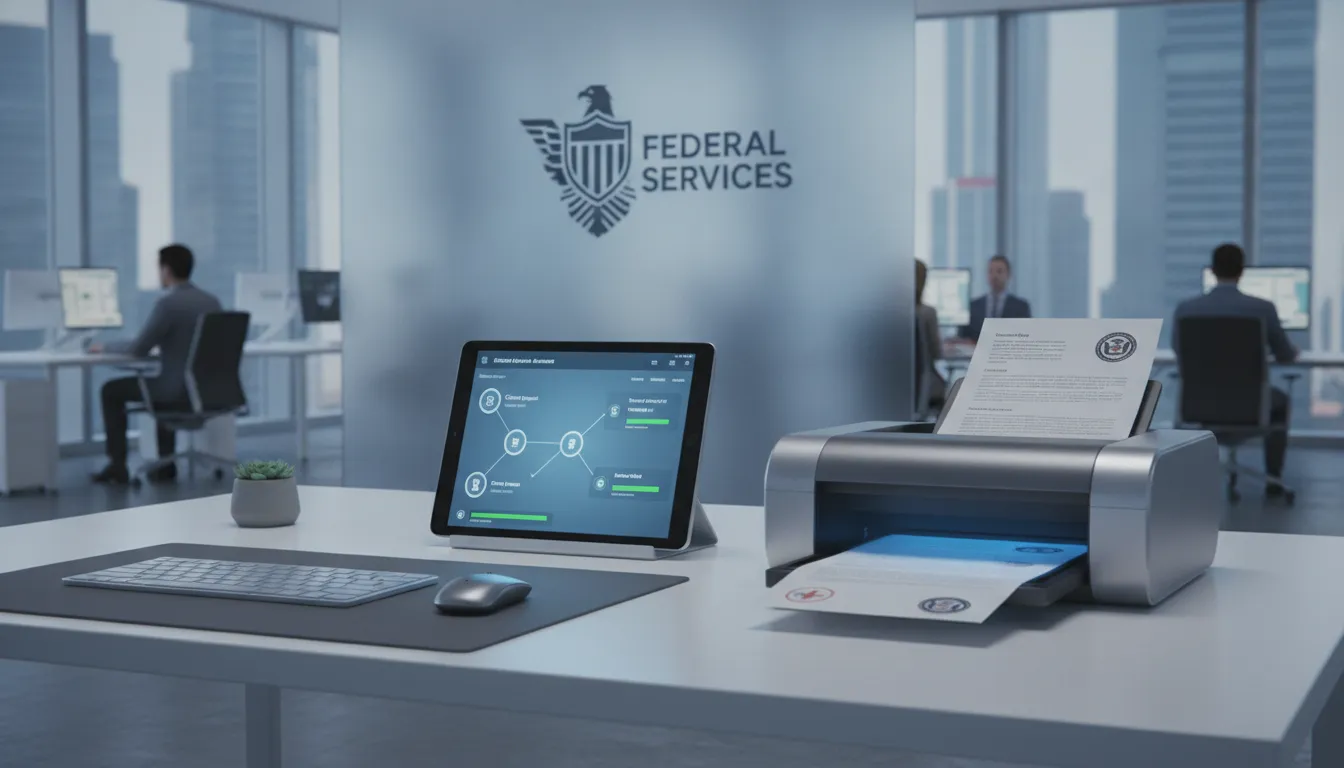
How Does Low-Code Workflow Automation Address Government Needs?
Government agencies face pressure to digitize while maintaining security and compliance. Workflow automation for government agencies enables teams to build digital processes that are transparent and efficient. Low-code platforms deliver these capabilities without extensive programming.
Empowering Staff with Visual Design Tools
Many public sector organizations operate with lean IT teams. Low-code platforms change this dynamic by enabling non-technical staff to design their own workflows. A visual drag-and-drop interface lets process owners map out task sequences and business rules without writing code. FlowWright provides over 300 pre-built workflow steps covering common requirements including data entry, document routing, and approval chains.
Explore FlowWright iBPMS features to learn more. Departments adapt quickly as requirements change, modifying workflows without waiting weeks for development cycles.
Handling Complex Logic with an Advanced Engine
Government workflows often require sophisticated conditional logic and high transaction volumes. FlowWright's embeddable .NET engine integrates directly into existing infrastructure. A standout capability is dynamic sub-workflows, also called runtime morphing. Running workflows can spawn new sub-process instances based on real-time data, branching to different definitions depending on context.
Agencies can push design changes to active workflow instances without downtime. The platform includes a visual process debugger that lets administrators inspect running instances and resolve issues quickly.
Deployment Options and Security Standards
Data protection guides every government technology decision. FlowWright maintains SOC 2 Type II certification, aligns with HIPAA Security Rule requirements, and follows ISO 27001 best practices. Agencies can deploy on-premises for classified data, on Azure or AWS cloud, or in hybrid configurations.
Role-based access control ensures only authorized personnel view or modify processes and data. Audit logging captures every action, creating an immutable record for compliance reviews.
What to Look for in a Government Workflow Automation Platform
Public sector technology leaders face unique evaluation criteria. They must balance rapid digitization with stringent security requirements.
| Evaluation Criteria | Why It Matters for Government | What to Look For |
|---|---|---|
| Security Compliance | Protects citizen data and satisfies regulatory mandates | SOC 2 Type II, HIPAA compliance, ISO 27001 alignment |
| Low-Code Accessibility | Empowers non-technical staff to build workflows independently | Visual drag-and-drop designer, 300+ pre-built steps |
| Legacy Integration | Connects existing systems without rip-and-replace | REST APIs, enterprise service bus, database connectors |
| Deployment Flexibility | Accommodates sensitive data and varying classifications | On-premises, cloud (Azure, AWS, GCP), hybrid options |
| Scalability | Handles high-volume government transactions | Distributed architecture, proven at 300K+ files per week |
| Audit and Transparency | Provides compliance evidence and accountability | Full audit logs, role-based access, zero-downtime updates |
Strong Safety and Compliance Standards
Security represents the most critical factor for any government technology purchase. Look for SOC 2 Type II certification and HIPAA compliance as baseline requirements. FlowWright meets these standards while following ISO 27001 practices.
The platform should enforce role-based access control. Complete audit logging tracks every action, providing evidentiary trails for compliance audits.
Ease of Use for Agency Staff
An effective platform must be accessible to staff at all technical levels. Low-code platforms let business users design workflows using visual tools. FlowWright offers over 300 pre-built workflow components. Teams construct sophisticated processes by selecting building blocks rather than writing code.
Scalable Integration with Legacy Systems
Most government agencies operate legacy systems with years of essential data. REST APIs, enterprise service bus connectors, and database gateways enable smooth data exchange. FlowWright processes over 300,000 documents per week, suitable for high-volume operations. For more details visit enterprise workflow automation.
Vendor track record matters. A provider with proven public sector experience offers a safer investment. FlowWright has worked with Kansas DOT, St. Louis County, and agencies globally for over 20 years.
Automation for Government Agencies in Practice: Real-World Success
Workflow automation for government agencies delivers measurable results across multiple jurisdictions. These are production systems serving millions of citizens daily with improved speed and accuracy.
Modernizing Large County Operations
St. Louis County serves 1.1 million residents and used FlowWright to build custom applications. One application manages prevailing wage compliance, ensuring contractors follow pay regulations. Additional applications handle grant reporting, citizen feedback, and maintenance work orders. Explore the government workflow automation software that powers these results.
Replacing a 20-Year-Old Legacy System
The Kansas Department of Transportation operated a custom system for two decades before selecting FlowWright. KDOT now runs HR processes, road repair requests, equipment tracking, and automated PDF generation. The system integrates with OnBase for document storage. This migration was a cornerstone of their digital transformation strategy.
Global Government Deployments
FlowWright's reach extends globally. The Finland Natural Resources Institute uses the platform to issue official permits for sawmill operations, handling multilingual requirements. In Trinidad and Tobago, the national government uses FlowWright for procurement automation. Additional government case studies demonstrate the platform's versatility.
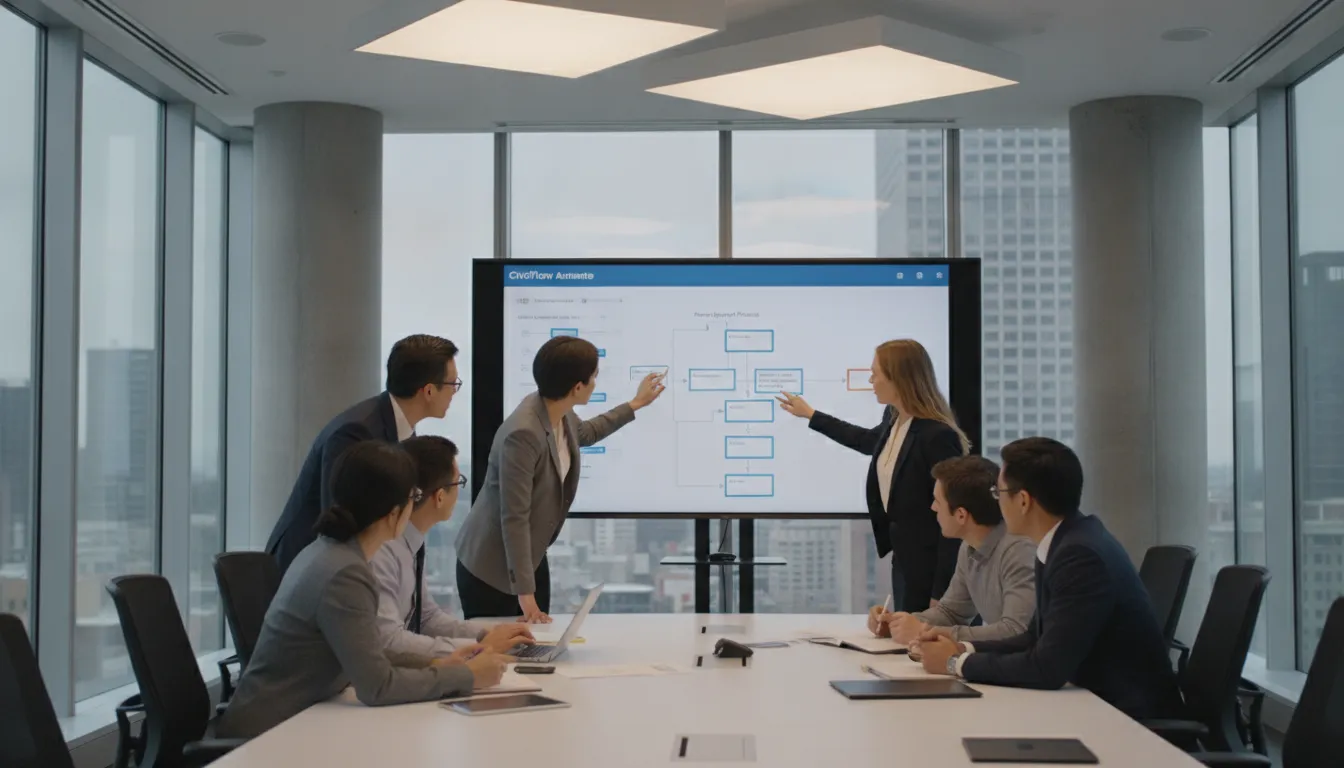
Key Steps to Get Started with Workflow Automation for Government Agencies
Launching a workflow automation initiative requires a structured approach. Following proven steps helps teams build momentum and demonstrate value quickly.
Audit Your Current Processes
Begin by identifying where manual work creates the most friction. Look for processes requiring repeated data entry, multiple approval steps, or frequent errors. Common candidates include HR onboarding, procurement, permit applications, and compliance reporting. This audit reveals integration requirements and guides platform selection for enterprise workflow automation.
Define Compliance and Security Requirements
Government automation must meet strict regulatory standards. Document your obligations including SOC 2, HIPAA, and agency-specific frameworks. Your platform must provide audit logging, role-based access, and data encryption. The Department of Veterans Affairs demonstrates how automated claims processing serves citizens efficiently while maintaining compliance.
Select a Platform and Pilot
Choose a platform that integrates with your existing technology stack. Low-code platforms enable staff to build and modify workflows without waiting for IT. Start with a focused pilot project to validate the platform before expanding.
- Assess and document: Map current processes to identify automation opportunities.
- Define security requirements: Document compliance obligations for SOC 2, HIPAA, and data protection.
- Select a low-code platform: Choose a solution empowering staff without extensive coding.
- Plan legacy integration: Ensure the platform connects with existing databases through standard APIs.
- Evaluate vendor experience: Select a provider with proven government success.
- Launch a pilot program: Test on a single high-impact process before expanding.
Frequently Asked Questions
Is workflow automation secure enough for government use?
Yes. Enterprise platforms designed for government maintain SOC 2 Type II and HIPAA compliance. Encryption protects data at rest and in transit. Role-based access controls and audit trails ensure accountability.
How do government agencies measure ROI from workflow automation?
Common metrics include reduced processing time, fewer data entry errors, cost savings from reduced paper usage, improved staff productivity, and faster audit response times. Many agencies see full ROI within 12 to 18 months.
Can workflow automation integrate with legacy government systems?
Yes. Modern platforms provide REST APIs, database connectors, and enterprise service bus integration. These connect with legacy systems without requiring replacement. The automation platform acts as an integration layer connecting older databases with newer digital workflows.
What is the difference between low-code BPM and custom government software?
Low-code BPM platforms let non-technical staff design workflows using visual tools and pre-built components. Custom software requires specialized programming and lengthy development cycles. Low-code reduces implementation time from months to weeks.
Ready to Move Your Government Agency Services Online?
Delaying digital transformation wastes taxpayer dollars and erodes citizen trust. Your agency can start seeing measurable improvements in service speed and accuracy by deploying a secure workflow platform today. Get a demo of FlowWright for government workflow automation to speak with a workflow specialist and discover how our secure platform can help your agency serve citizens more effectively.
















