
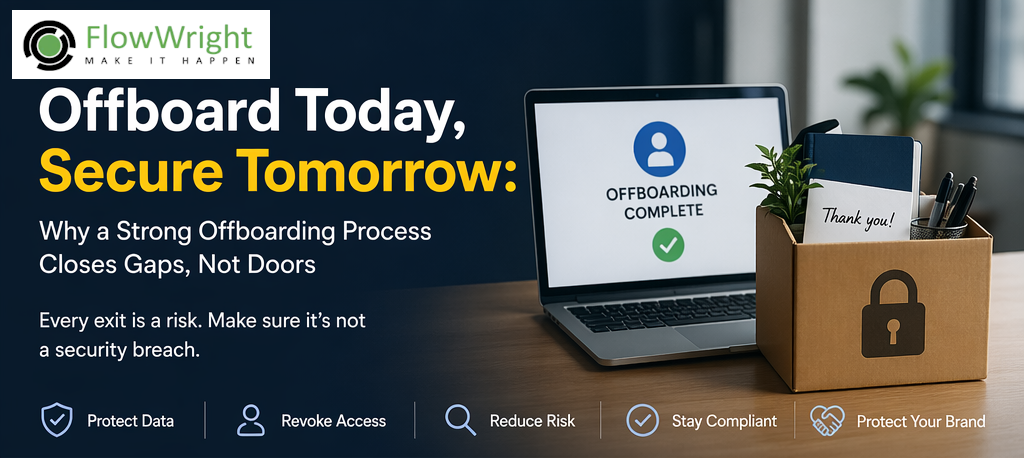
Employee offboarding is often treated as an HR formality: collect the badge, schedule an exit interview, recover the laptop, and move on. That mindset is dangerous. In a digital enterprise, an employee’s departure is not complete until every access path they had into the organization has been identified, reviewed, and removed. If that does not happen, the company may be leaving behind active credentials, exposed data, orphaned permissions, and security holes wide enough for serious damage.
The truth is simple: one former employee with lingering access is one unnecessary risk. It may not be malicious. It may be a forgotten SaaS login, an active VPN account, an old admin token, access to a shared mailbox, a mobile device still enrolled, or an API key tied to a former engineer’s account. But whether accidental or intentional, that leftover access can become the starting point for data theft, fraud, disruption, or compliance failure.
Strong offboarding is not only about being organized. It is about protecting systems, customers, intellectual property, and reputation.
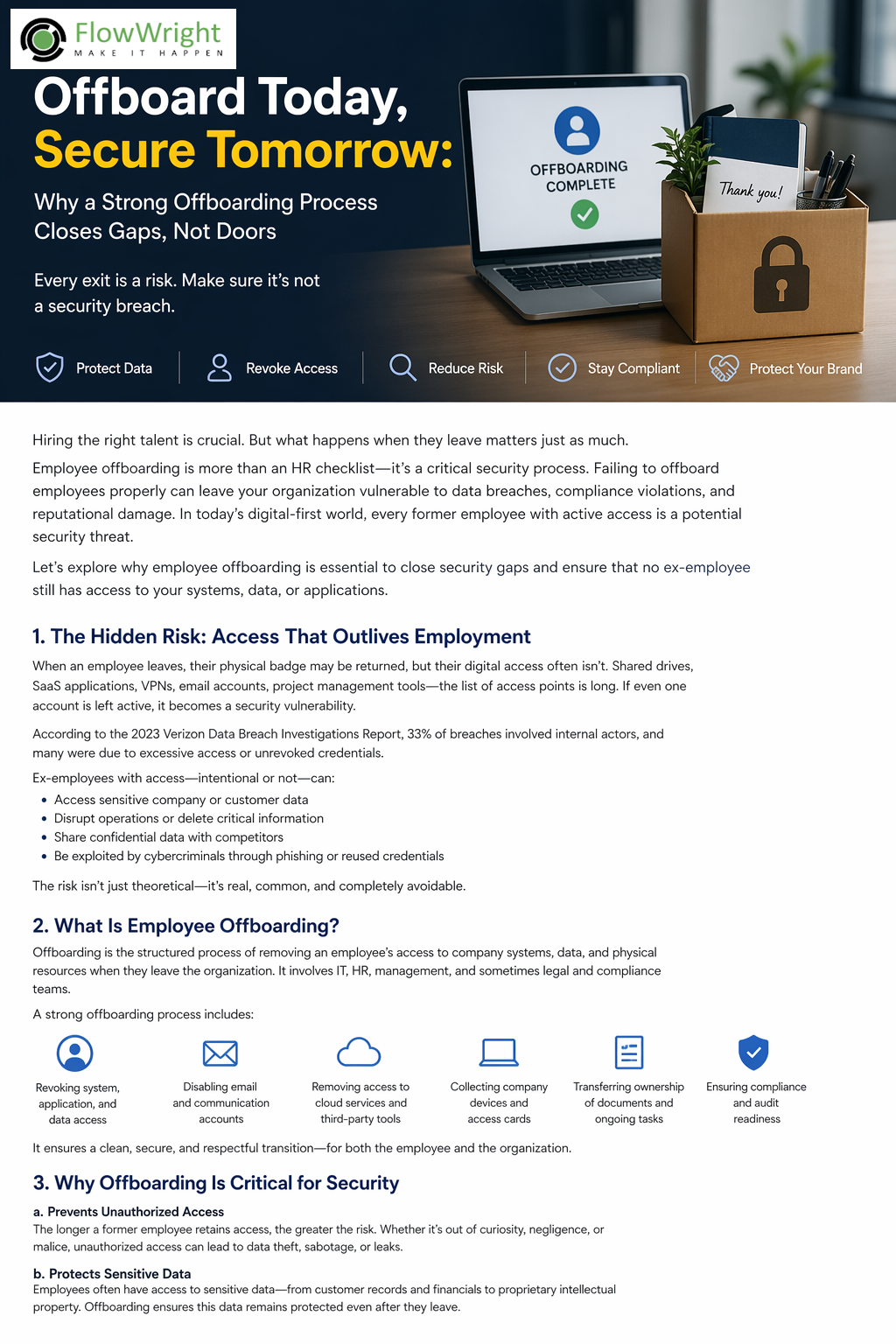
Offboarding is a security process, not an administrative task
Most organizations have improved onboarding over the years. New hires get devices, accounts, licenses, permissions, team memberships, email, VPN, MFA enrollment, and access to internal tools. Yet many organizations do not apply the same rigor in reverse when the employee leaves.
That imbalance creates a predictable problem. Access is granted through many systems over time, but not always tracked centrally. When someone exits, HR may mark them as terminated, but the technical footprint they leave behind can remain scattered across:
- Active Directory or Entra ID accounts
- Email and collaboration tools
- CRM, ERP, HR, and finance systems
- Cloud platforms and admin consoles
- DevOps tools, source control, and deployment pipelines
- Shared drives and document repositories
- VPN, remote desktop, and privileged access tools
- Mobile device management platforms
- Third-party vendor portals
- API keys, service accounts, automation credentials, and certificates
An employee may leave the company physically, but digitally they can still be inside the building.
That is why offboarding must be treated as a controlled security workflow. It should be systematic, auditable, role-based, and time-sensitive.
The hidden danger of lingering access
One of the biggest security problems in modern organizations is access that outlives employment. This is especially risky because it often remains invisible until an incident occurs.
A sales employee may still be able to log into CRM and view customer data weeks after leaving. A finance contractor may retain access to reports or invoices. A developer may still have repository access, deployment rights, cloud secrets, or CI/CD tokens. A manager may still be connected to shared drives, approval workflows, and dashboards containing confidential operational information.
Sometimes the risk is direct misuse. A disgruntled former employee may download data, delete files, interfere with systems, or use privileged knowledge to cause disruption. More commonly, the risk comes from neglected credentials becoming an attack surface. An old account with weak controls can be exploited by an outside attacker. If MFA is not enforced, if password reuse exists, or if old tokens remain valid, that account can become a clean path into the enterprise.
Security teams spend enormous effort defending against external attackers, yet they sometimes leave former-user access active through simple process failure. That is avoidable risk.
Why employee offboarding matters
At its core, offboarding matters because access equals exposure. The more active accounts, unresolved permissions, and unmanaged identities an organization has, the larger the attack surface becomes.
A disciplined offboarding process helps organizations:
Reduce unauthorized access
Former employees should not be able to access business systems after departure. Immediate revocation closes that door.
Protect sensitive data
Employees often have access to customer records, contracts, pricing, payroll data, engineering documents, internal strategies, and regulated information. Offboarding ensures that access ends when employment ends.
Preserve operational continuity
When offboarding is structured, document ownership, shared resources, open tasks, approvals, and system responsibilities can be reassigned cleanly. Without that, teams lose visibility and work gets stranded.
Support compliance and audit readiness
Many regulatory and security frameworks expect controlled access lifecycle management. Auditors want evidence that user access is granted appropriately and removed promptly.
Lower insider threat exposure
Not every insider threat is intentional. Poor offboarding leaves organizations vulnerable to both malicious misuse and accidental access.
Protect brand and trust
A preventable breach caused by a former employee account is especially damaging because it signals weak internal controls. Customers, partners, and regulators see that as a governance failure.
Common offboarding failures
Many organizations believe they offboard well because they disable the main network account. In reality, that is only one part of the job.
Typical failures include:
- Disabling directory access but forgetting SaaS applications
- Removing email access but leaving mobile sync active
- Forgetting shared mailbox or delegated calendar access
- Leaving VPN or remote access enabled
- Not rotating shared credentials after departure
- Failing to revoke admin roles or emergency access privileges
- Forgetting API keys, tokens, and service integrations created by the user
- Missing access in cloud subscriptions, repositories, or support portals
- Failing to reassign workflow approvals and owned assets
- Not recovering company devices or ensuring remote wipe
- Leaving the offboarding task dependent on manual emails and spreadsheets
The bigger the organization, the more dangerous manual offboarding becomes. Every missed step creates another security gap.
Offboarding must be immediate, coordinated, and complete
A secure offboarding process should start before the employee’s final minute and continue until every dependency is closed. This requires coordination between HR, IT, security, the employee’s manager, and in some cases legal or compliance teams.
The process must answer a few non-negotiable questions:
- When exactly does access terminate?
- Which systems must be disabled immediately?
- Which assets must be recovered?
- Which data, tasks, approvals, and documents need reassignment?
- Are there privileged accounts involved?
- Are there shared credentials that must be changed?
- Is there any legal hold, regulatory requirement, or retention rule involved?
- Has every action been logged and verified?
Offboarding is not complete when a checklist is started. It is complete when every control is executed and verified.
Privileged users are a special risk
Not all departing employees create the same level of security exposure. Privileged users require far more attention.
System administrators, developers, DevOps engineers, database administrators, finance leads, security staff, and business process owners often have elevated rights that go well beyond normal user access. They may know where sensitive systems are, how automation works, how credentials are stored, which integrations exist, and how to bypass normal controls.
For these users, offboarding should include a deeper review of:
- Administrative roles
- Production access
- Database credentials
- Cloud consoles and subscriptions
- Deployment tools
- Certificates and secrets
- Service accounts they created or controlled
- Background jobs, scripts, or automations tied to their identity
- Third-party tools and vendor systems
- Break-glass accounts or shared privileged credentials
If a privileged user leaves and access is not fully cleaned up, the organization may be exposed in ways that are not obvious until much later.
Automation is the only scalable answer
Manual offboarding does not scale. It is too easy to miss steps, rely on memory, or assume someone else handled a task. Secure offboarding needs workflow, orchestration, and visibility.
This is where process automation becomes critical. A structured offboarding workflow can automatically trigger actions across systems, notify stakeholders, enforce sequencing, collect confirmations, and create an audit trail. Instead of sending emails and hoping departments respond, the organization runs a governed process.
A strong automated offboarding workflow should be able to:
- Trigger from HR events or termination records
- Route tasks to IT, security, facilities, and business managers
- Disable or suspend accounts across integrated systems
- Remove group memberships and role assignments
- Revoke licenses and application access
- Recover or remotely wipe devices
- Reassign tasks, approvals, and owned resources
- Capture completion evidence and timestamps
- Escalate overdue steps
- Produce audit-ready reporting
This turns offboarding from an informal handoff into an enforced control.
Offboarding and compliance
For many industries, access revocation is not only best practice but a compliance expectation. Whether the organization deals with healthcare data, financial records, controlled documents, customer PII, or internal intellectual property, auditors will expect user lifecycle governance.
They want to see that access is:
- Approved appropriately
- Reviewed regularly
- Removed when no longer needed
- Logged and traceable
- Managed consistently across systems
A weak offboarding process creates compliance risk because it shows the organization cannot prove control over who has access to what. In regulated environments, that can quickly become a serious issue.
Offboarding is also about knowledge transfer and continuity
Security is the primary concern, but operational continuity matters too. Employees often leave behind active tasks, process ownership, customer commitments, documents, and decision responsibilities. If those are not reassigned during offboarding, the business suffers.
A mature offboarding process should also ensure:
- Pending approvals are rerouted
- Owned workflows are reassigned
- Key documents and repositories are transferred
- Customer or vendor relationships are handed over
- Project responsibilities are documented
- Critical knowledge is preserved before departure
This reduces disruption while keeping security intact.
What a good offboarding program looks like
A mature offboarding program is:
Centralized — one governed process, not scattered emails
Role-based — offboarding differs for standard users, contractors, and privileged users
Fast — critical access removed immediately
Integrated — connected to identity, HR, ITSM, cloud, and business systems
Auditable — every action recorded
Verifiable — completion is confirmed, not assumed
Scalable — works across departments, geographies, and systems
The strongest organizations treat offboarding as part of identity governance and enterprise security architecture, not just employee administration.
Final thought
Every employee departure creates a decision point: either the company closes access cleanly, or it leaves risk behind. There is no neutral outcome.
Poor offboarding leaves open accounts, unresolved permissions, forgotten assets, compliance gaps, and unnecessary exposure. Strong offboarding closes those gaps before they become incidents. It protects data, supports governance, reduces insider risk, and proves that the organization takes security seriously from start to finish.
In today’s environment, where access is distributed across cloud systems, mobile devices, SaaS platforms, internal applications, and automated workflows, offboarding cannot be handled casually. It must be executed as a formal, automated, cross-functional security process.
Because when an employee leaves, their access should leave with them.
















