
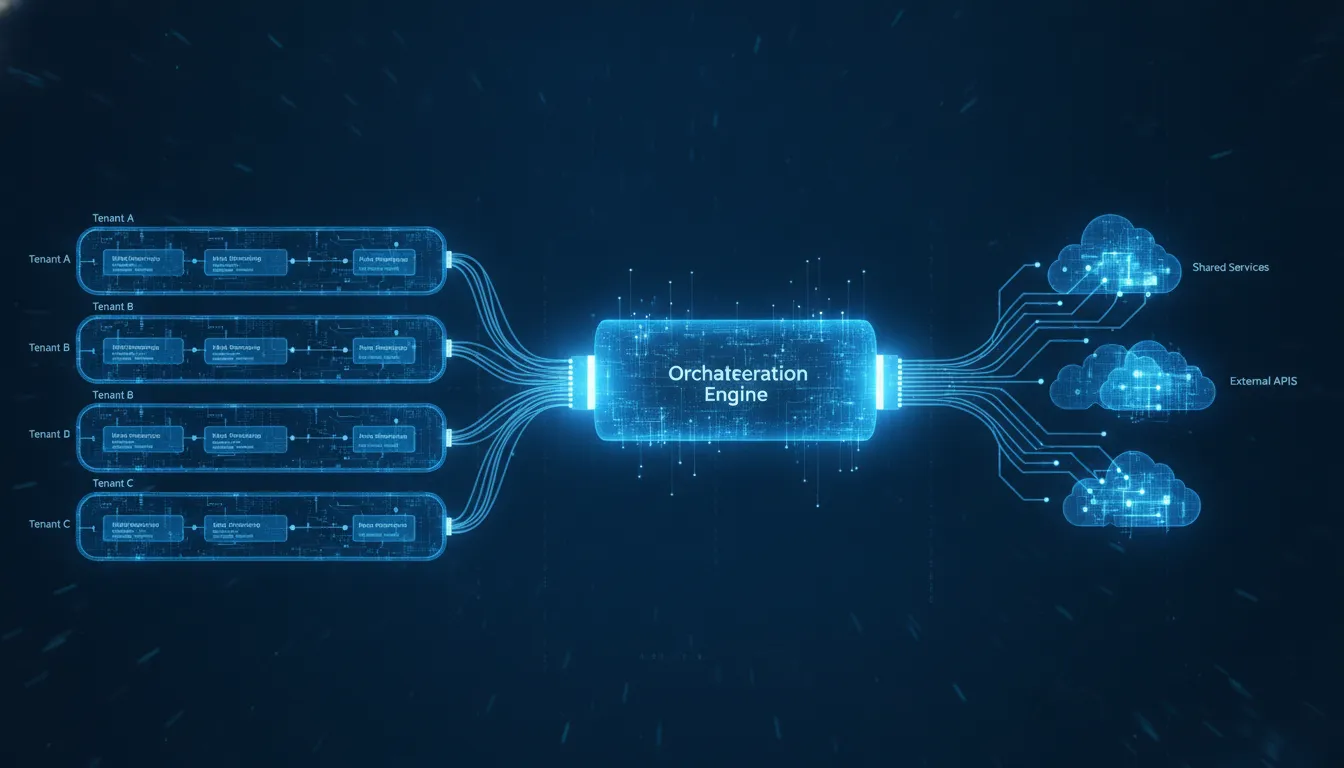
A sound multi-tenant workflow engine architecture lets a SaaS or OEM product serve many customers from a shared platform while preserving isolation, predictable performance, and tenant-specific configuration. The difficult part is not simply adding a tenant ID. Architects must decide where tenant context is established, how it follows every workflow execution, which resources remain shared, and when a customer needs a stronger isolation boundary.
Get a FlowWright demo to evaluate an embeddable, multi-tenant workflow engine for your product.
In practical terms, multi-tenant workflow engine architecture is the set of design decisions that keeps each tenant's workflows. Data, permissions, integrations, and runtime resources correctly separated inside a shared automation platform. A strong design makes tenant context explicit at every boundary, supports configuration without customer-specific code forks, and gives operators tenant-level visibility into performance and failures.
This guide gives SaaS architects and OEM product teams a decision framework for isolation, customization, deployment, integrations, scaling, observability, and governance. It also shows where an embeddable workflow platform can reduce the engineering burden without limiting product control.
Choose the right multi-tenant workflow engine architecture
The isolation model is the first architectural decision because it affects security, operating cost, deployment speed, and support complexity. Most products use one of three models, or a controlled combination of them.
Shared runtime with logical isolation
In a shared model, tenants use the same application runtime and usually the same database tables. Every tenant-owned record carries an immutable tenant identifier. Authentication establishes tenant context, authorization verifies it, and data-access code applies it to every read and write.
This model provides efficient resource use and fast tenant provisioning. It also creates the greatest need for defensive engineering. A missing tenant filter, incorrectly scoped cache key, or background job without tenant context can cross an isolation boundary. Shared architectures therefore need centralized tenant-aware data access, automated isolation tests, and strict review of every asynchronous path.
Separate schemas or databases
A schema-per-tenant or database-per-tenant model adds a stronger data boundary while allowing parts of the application and workflow runtime to remain shared. It can simplify tenant-level backup, restore, migration, and data residency. The tradeoff is operational: schema changes, connection management, monitoring, and capacity planning become more complex as the tenant count grows.
Dedicated deployment stacks
A dedicated stack gives one tenant its own runtime and data stores. This offers the clearest isolation boundary and may suit customers with strict deployment or performance requirements. It also carries the highest infrastructure and lifecycle-management burden. Teams need automation for provisioning, upgrades, health checks, and configuration drift.
| Model | Best fit | Main advantage | Main tradeoff |
|---|---|---|---|
| Shared runtime and data store | High-volume SaaS with consistent requirements | Efficient operations and fast provisioning | Requires rigorous logical isolation |
| Separate schema or database | Customers needing stronger data boundaries | Tenant-level data control | More database lifecycle work |
| Dedicated stack | Customers with strict isolation or deployment needs | Strongest resource and data separation | Highest operating complexity |
A tiered approach is often practical. Most tenants can use the shared model, while selected customers use a separate data store or dedicated deployment. The workflow engine should support this decision without forcing the product team to maintain different application branches.

How should tenant context flow through the system?
Tenant context must be treated as part of execution identity, not as an optional request parameter. It begins when a user, service account, or event is authenticated. From there, it must follow the work through API calls, queues, scheduled jobs, workflow instances, logs, and integration callbacks.
Establish context at trusted boundaries
Do not accept a tenant identifier from an unverified client and assume it is valid. Resolve the allowed tenant from authenticated identity and authorization rules. Services should receive a signed or otherwise trusted context that includes the tenant, actor, and permitted operation.
Carry context into asynchronous execution
Workflow engines perform substantial work after the originating request ends. Queue messages, timers, retries, and human-task callbacks must retain tenant context. A worker should reject a message with missing or invalid context rather than run it in a default scope.
Make tenant scope visible in operations
Include tenant identifiers in structured logs, traces, metrics, and workflow audit records. Operators need to follow one execution across services without exposing sensitive business data. Tenant-aware telemetry also makes it possible to identify a noisy neighbor, enforce service limits, and investigate an incident precisely.
For a related view of shared SaaS execution, see FlowWright's overview of a multi-tenant SaaS workflow engine.
Customize workflows without creating code forks
Customer-specific source-code forks turn a scalable product into a collection of one-off implementations. Each fork creates a separate testing, security, and upgrade path. Instead, keep the workflow runtime and product code common while moving approved variation into tenant-aware configuration.
Separate the engine from tenant definitions
The engine should execute versioned workflow definitions rather than embed customer-specific behavior in its core. A tenant can have its own process definitions, forms, rules, roles, and integration settings while the runtime remains shared. FlowWright supports visual process and forms designers that help teams manage this separation.
Use controlled extension points
Not every requirement fits configuration. Define extension points for actions, data access, and integrations, then apply permissions and lifecycle rules to them. For OEM teams, an embedded workflow automation platform can provide the engine and design tools while allowing the surrounding product experience to remain under the OEM's control.
Version definitions deliberately
Active workflow instances should retain the definition version they started with unless a tested migration says otherwise. New instances can use the latest approved version. This avoids changing the meaning of work already in progress and gives teams a clear rollback path.
Get Demo to see how FlowWright supports tenant-aware configuration without maintaining a separate engine for every customer.
Design deployment and integration boundaries
The boundary between a product and its workflow engine affects latency, release ownership, failure handling, and scalability. Some teams embed the engine close to their .NET application. Others use APIs and SDKs to keep orchestration behind a service boundary. The right choice depends on the product's architecture and operating model.
Embedded engine boundary
An embedded engine can provide close integration with application logic and data. It can reduce network hops and make workflow capabilities feel native to the product. Teams still need a clean internal contract so domain code does not become tightly coupled to workflow implementation details.
Service and API boundary
A service boundary allows the workflow layer to scale and release independently. APIs should require tenant context, enforce idempotency for repeated requests, and return durable execution identifiers. Integration callbacks should be authenticated, tenant-scoped, and safe to retry.
Integration credentials and failures
Each tenant may connect different business systems. Store credentials in a protected secret store and reference them by tenant and integration, rather than placing secrets in workflow definitions. Define timeout, retry, and dead-letter behavior for every connector. A failed external service should not create an unbounded retry storm or block unrelated tenants.
FlowWright's resources for software companies and OEM product teams explain how an embeddable .NET workflow engine, APIs, and SDKs can fit within an existing product architecture.
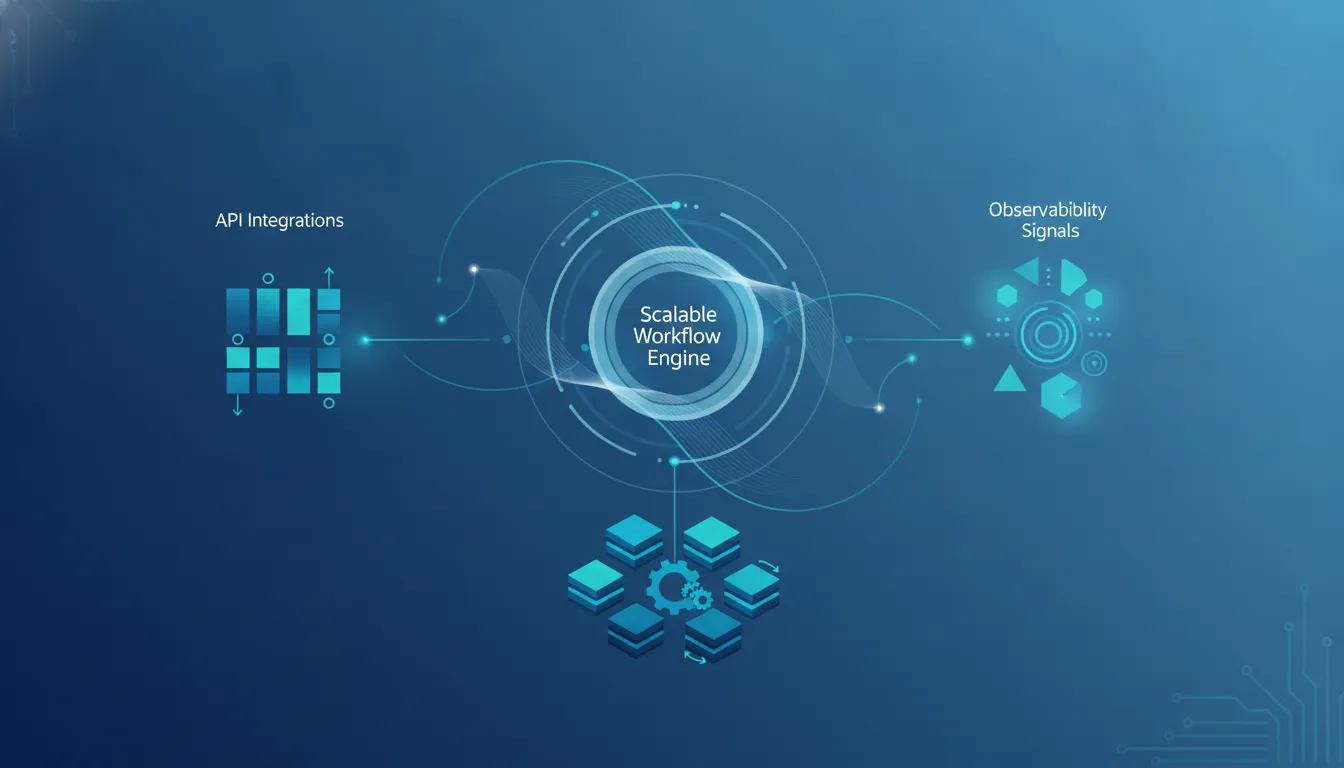
How do multi-tenant workflows scale predictably?
Scaling a workflow engine is not only about increasing throughput. The platform must continue meeting expectations when tenants have different workloads, one integration slows down, or a large batch begins unexpectedly.
Partition work by tenant and workload
Queues can separate interactive work from batch or long-running processes. Tenant-aware partitioning helps distribute load while preserving fairness. Use concurrency controls, per-tenant rate limits, and quotas so one tenant cannot consume every worker or connection.
Design idempotent execution
Distributed systems retry work. Workflow steps and integration actions should be idempotent where possible, meaning a repeated request produces the intended result without duplicate side effects. Durable execution identifiers and idempotency keys help protect billing, notifications, and record creation from accidental duplication.
Measure tenant-level service indicators
Track queue delay, step duration, failure rate, retry count, and completion time by tenant and workflow type. Platform-wide averages can hide a severe problem affecting only one customer. Tenant-level service indicators give operators the evidence needed to rebalance capacity or correct a failing integration.
Build governance into the architecture
Governance is an architectural capability, not a final compliance checklist. A workflow platform should make approved behavior easy and risky behavior difficult. Controls need to cover who can design, approve, publish, execute, and change workflows.
Apply role-based access and separation of duties
Designers, administrators, operators, and business participants need different permissions. For sensitive processes, the person who edits a workflow should not be the only person able to publish it. Tenant administrators should control their own users without receiving access to platform-wide settings.
Maintain complete audit trails
Record definition changes, publishing decisions, runtime actions, administrative changes, and integration events. Audit entries should identify the tenant, actor, time, action, and relevant version. They should be tamper-resistant and searchable during an incident or review.
Use a release lifecycle for workflows
- Design and validate the workflow in a non-production environment.
- Test tenant permissions, edge cases, retries, and integration failures.
- Require approval before publishing sensitive changes.
- Release a versioned definition with a rollback plan.
- Monitor tenant-level outcomes and errors after release.
Talk to FlowWright about an architecture that supports governance, scale, and tenant-specific workflow experiences.
What should architects evaluate before choosing an engine?
An engine evaluation should go beyond a feature list. Use a proof of concept that reflects the product's hardest tenant, integration, and operating requirements.
- Isolation: Can tenant context be enforced across data, runtime, queues, APIs, and logs?
- Customization: Can teams configure processes and forms without creating product forks?
- Embedding: Does the engine fit the existing technology stack and product experience?
- Operations: Can operators monitor, limit, and troubleshoot work by tenant?
- Governance: Are permissions, approvals, versioning, and audit trails built into the lifecycle?
- Deployment: Can the platform support the isolation and hosting models customers require?
FlowWright provides an embeddable .NET workflow engine, visual process and forms designers, APIs and SDKs, dashboards, reporting, and enterprise integration capabilities. For product teams that would otherwise build and maintain this layer themselves, evaluating a proven engine can shorten the route from architecture to a dependable customer experience.
Frequently asked questions
What is a multi-tenant workflow engine architecture?
It is an architecture that allows a shared workflow platform to serve multiple tenants while keeping each tenant's data, permissions, definitions, integrations, and runtime activity correctly isolated.
Which tenant isolation model is best?
There is no universal best model. Shared logical isolation is efficient, separate schemas or databases strengthen data boundaries, and dedicated stacks provide the strongest separation at higher operating cost. Many SaaS products use a tiered combination.
How can a workflow engine prevent noisy-neighbor problems?
Use tenant-aware queues, concurrency limits, quotas, workload partitioning, and per-tenant monitoring. These controls prevent one workload from consuming shared capacity and help operators detect issues early.
How can SaaS teams customize workflows without forking code?
Keep the runtime and product code common, then store tenant variation in versioned workflow definitions, forms, rules, roles, feature configuration, and controlled extension points.
Build the workflow layer your product needs
A durable architecture makes tenant context explicit, applies the right isolation boundary, supports configuration without forks, and gives operators visibility into every execution. These choices determine whether a workflow layer remains an advantage as the product grows or becomes a source of risk and maintenance work.
Before committing to an engine, test a representative workflow with real tenant rules, an external integration, a retry scenario, and an operational dashboard. This reveals whether the proposed design works beyond a feature demonstration.
Get Demo to discuss how FlowWright can support your SaaS or OEM multi-tenant workflow engine architecture.
















