
Building complex process logic by hand in C# creates fragile software that is difficult to maintain and expensive to scale. Enterprise applications need robust workflow systems that adapt to changing business rules without requiring manual code compilation.
Low-code workflow automation for .NET developers gives professional developers an embeddable engine that processes XML-based definitions, evaluates C# expressions at runtime, and scales across distributed server clusters. It replaces hand-coded state machines with a visual process designer while keeping full imperative control for custom extensions.
Get a demo of FlowWright's embeddable .NET workflow engine and see how your team can ship workflow automation in weeks, not months.
Low-Code Workflow Automation for .NET Developers: Why Teams Need a Dedicated Engine
Every .NET team evaluating low-code workflow automation for .NET developers must understand why building custom workflow infrastructure from scratch fails at scale. The decision to embed vs. build is not about feature checklists. It is about long-term maintenance cost, reliability, and developer velocity.
The hidden cost of custom code
Building workflow logic from scratch is slow, complex, and expensive. Software teams often invest months writing custom code to handle process routing, error states, and task queues. What starts as a simple state machine grows into a tangled web of database tables, background workers, and custom queue systems. This home-grown infrastructure creates a heavy maintenance burden that pulls focus away from core product features.
An embeddable .NET workflow engine eliminates these costs. FlowWright provides a robust embeddable .NET engine that lets teams integrate process automation into existing applications without designing database schemas, managing process routing tables, or writing custom tracking tools. Teams deploy reliable workflow features in a fraction of the time compared to building from scratch.
Imperative code drop-in for complex logic
Many low-code platforms force developers into rigid visual-only tools. These systems work for simple approval chains but fail when workflows need complex business logic, conditional branching across dozens of data sources, or integration with proprietary libraries. Professional developers need platforms that support imperative code drop-in rather than restricting them to drag-and-drop interfaces.
Writing C# code steps directly inside a workflow definition allows teams to handle edge cases. A developer can write a short C# class to connect a legacy database, call a custom REST API, or apply complex transformation rules. FlowWright evaluates these expressions natively within the engine, preserving the .NET development model without imposing platform-defined ceilings on what is possible.
Bridging business requirements and rapid delivery
A proven workflow engine lets workflow architects and process owners design the visual flow of a process while developers focus on writing clean code for each step. This separation of concerns accelerates delivery, reduces communication errors, and keeps business rules decoupled from core application logic. Both sides work on a single platform without conflict.
What .NET Developers Should Look for in an Embeddable Workflow Engine
When evaluating low-code workflow automation for .NET developers, focus on architectural fundamentals that determine long-term maintainability, performance, and extensibility. Not all engines handle the demands of custom .NET software equally well.
Step-by-step selection checklist
Use this four-step checklist to find the right engine for your team.
- Verify XML and file-based workflow definitions. Choose an engine that stores process logic in XML and web.config files. File-based definitions integrate naturally with source control, support environment-specific configuration transforms, and allow developers to review process changes in pull requests without opening a proprietary designer.
- Confirm distributed processing and automatic failover. The engine must split tasks across multiple servers so that a single node failure does not stop active processes. Automatic failover ensures workflows continue running without manual intervention.
- Check for imperative data throttles. Production systems need the ability to cap concurrent process volume during peak load. Imperative data throttles prevent resource exhaustion when traffic spikes, keeping response times predictable.
- Validate backward compatibility. An engine that maintains full backward compatibility since version 1.0 protects your investment. New releases should never break existing workflows, eliminating the costly regression testing that plagues custom-built systems.
For teams that want to compare options in depth, FlowWright's workflow benefits guide for developers covers each criterion in technical detail.
What Architectural Capabilities Matter for Enterprise .NET Workflows?
Enterprise .NET applications place demands on workflow infrastructure that simple state machines cannot satisfy. The architecture of the engine itself determines whether your system handles growth gracefully or collapses under load.
Distributed processing with automatic failover
Enterprise software must process high volumes without interruption. A distributed architecture spreads workload across multiple server nodes so that no single point of failure stops execution. When one node goes offline, another node takes over active processes immediately. This design keeps applications online during traffic spikes, infrastructure updates, and partial outages.
Processing across organizational boundaries
Enterprise workflows rarely stay within a single system. They span departments, external partner APIs, cloud services, and on-premises databases. The workflow engine must route data across these boundaries securely, maintain transactional consistency, and log every cross-system step for audit compliance.
Fault-tolerant design and imperative data throttles
High system loads can destabilize a workflow engine that lacks traffic controls. Imperative data throttles let administrators cap concurrent process volume during peak hours, preventing resource exhaustion. Combined with a fault-tolerant architecture that persists every state transition to durable storage, these controls keep production systems stable even under extreme load.
Deployment flexibility also matters. The engine should run on-premises for organizations that need data sovereignty, in the cloud for elastic scaling, or in a hybrid configuration. Containerized deployments using Docker and Kubernetes simplify lifecycle management across all three models.
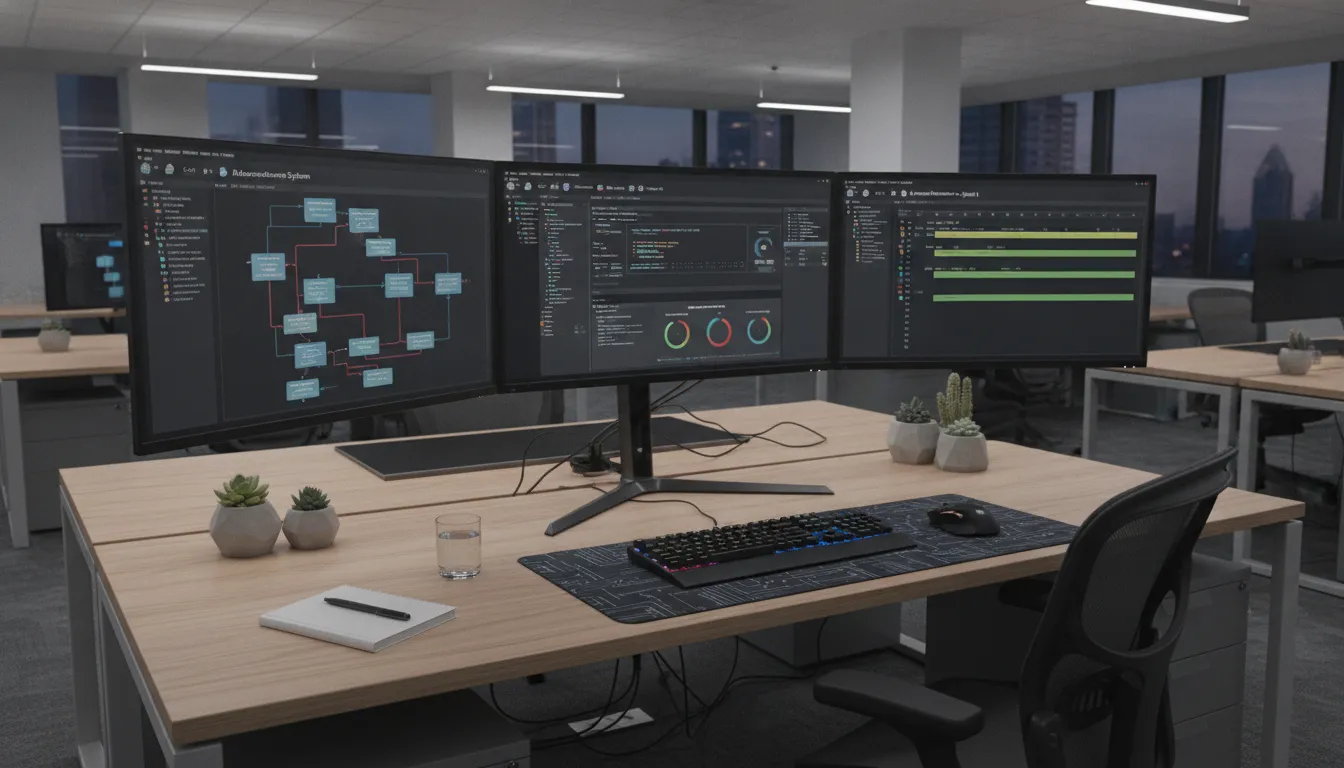
How Do You Extend Workflow Logic with C# Expressions and Custom Steps?
Visual workflow designers handle most common process patterns. The remaining cases require custom code. An embeddable engine that supports native C# expression evaluation lets developers handle these cases without leaving the workflow tool.
Visual design meets imperative code
Standard visual tools become unwieldy when a workflow must evaluate complex business rules, transform data across multiple formats, or integrate with proprietary libraries. FlowWright allows developers to write C# expressions directly inside workflow steps. These expressions run natively in the .NET runtime, giving developers access to the full .NET ecosystem of libraries and language features.
This approach means business analysts can model the high-level process flow visually while developers drop into C# for the parts that need imperative logic. The result is a workflow that is both maintainable by non-technical stakeholders and extensible by professional developers.
Building custom steps and business objects
The FlowWright SDK lets teams build custom steps and business objects that behave as native workflow nodes. A developer writes a C# class, registers it with the engine, and the custom step appears in the visual designer palette alongside built-in steps. This approach lets technical teams extend the platform on their own terms without waiting for vendor feature releases.
Custom business objects model real-world entities directly. The engine adapts to your existing data model rather than forcing your data into a rigid schema. This keeps the system clean and makes future updates straightforward.
Bypassing the cost of a custom engine build
Building a workflow engine from scratch requires thousands of engineering hours and carries significant risk. Embedding a pre-built engine accelerates time-to-market and eliminates the maintenance burden of a custom system. For ISVs and software companies that want to white-label a visual workflow designer. The SDK provides OEM embedding capabilities that let you ship process automation as a native feature of your own product. FlowWright's OEM embedding for software vendors guide covers this path in more detail.
Dynamic Sub-Workflows and Runtime Process Adaptation
Static process definitions break when business conditions change mid-execution. Modern enterprise applications need workflows that adapt at runtime based on real-time data rather than following a rigid path defined at design time.
How runtime process morphing works
FlowWright supports dynamic sub-workflow spawning at runtime, known as runtime process morphing. When a main workflow encounters a data payload that requires specialized processing, it spawns a child workflow instance tailored to that exact context. The parent flow stays simple. Complex branching logic moves to distinct, isolated sub-workflow definitions.
This capability is a key differentiator for .NET architectures. Most platforms force every possible path into a single massive diagram. FlowWright lets the engine decide which sub-workflow to invoke based on the actual data at runtime.
Parallel processing through dynamic spawning
Consider a compliance check that must verify 50 documents before approving a transaction. A static workflow processes them sequentially. A dynamic engine spawns 50 parallel sub-workflows, each verifying one document, and aggregates the results. This decoupling makes the core process more efficient and keeps individual workflow definitions small and testable.
Visual debugging of multi-instance workflows
Running hundreds of concurrent sub-workflows creates a debugging challenge. FlowWright's visual process debugger lets developers inspect active variables in real time across all running instances. Setting breakpoints and pausing execution directly on the visual map makes it practical to trace failures in complex multi-instance scenarios.
Embedded Engine vs. Full Platform: Which Deployment Model Fits Your Project?
Choosing between embedding just the workflow engine and deploying the full Process Manager depends on your integration depth, team composition, and long-term roadmap.
Lightweight engine integration
Embedding the engine gives you full control within your existing application architecture. The engine runs as a .NET library inside your process, exposing a C# API for workflow creation, execution, and monitoring. You supply your own UI, forms, and data layer. This model suits ISVs, OEM partners, and development teams that want workflow automation without adopting a separate platform.
Full platform deployment
The full FlowWright Process Manager adds a web-based process designer, low-code form builder, dashboards, and reporting on top of the engine. Non-technical workflow owners can design and monitor processes without developer involvement. This model works best when business analysts and process owners need direct access to workflow management without writing code.
Comparison of deployment paths
| Feature | Engine Integration | Full Platform Deployment |
|---|---|---|
| SDK access | Direct C# API for full control | REST API and SDK support |
| Visual designer | Embeddable designer inside your app | Web-based process designer |
| Forms and UI | Use your own custom forms | Built-in low-code drag-and-drop forms |
| Dashboards | Custom reports using process data | Built-in dashboards and reporting |
| User management | Managed by your application | Built-in roles, permissions, SSO |
| Deployment overhead | Minimal, NuGet package install | Server deployment with database |
| Best for | ISVs, OEMs, custom .NET apps | Enterprises running BPM centrally |
For most embeddable workflow engine use cases, the lightweight integration path delivers faster time-to-value. Teams that need multi-department process management with no-code access typically choose the full platform. Both use the same core engine, so migration from one to the other is possible as requirements evolve.
Frequently Asked Questions
What is low-code workflow automation for .NET developers?
Low-code workflow automation for .NET developers is an embeddable engine that provides visual process design, XML-based workflow definitions, and native C# expression evaluation within the .NET runtime. It replaces hand-coded state machines with a configurable automation layer.
How does an embeddable workflow engine differ from a full BPM platform?
An embeddable engine integrates as a .NET library within your existing application, providing workflow execution without a separate UI or server. A full platform adds a web-based designer, form builder, dashboards, and user management on top of the same engine core.
Can I write custom C# code inside workflow steps?
Yes. FlowWright evaluates native C# expressions within workflow steps, giving developers access to the full .NET class library. Custom steps written as C# classes appear in the visual designer alongside built-in steps.
How does dynamic sub-workflow spawning work at runtime?
The engine spawns child workflow instances on demand based on runtime data. Each child runs as an independent process with its own state, enabling parallel execution of complex branching logic without cluttering the parent workflow definition.
Can I embed FlowWright's workflow engine into my existing .NET application?
Yes. FlowWright ships as a .NET library that integrates via NuGet. You call its C# API to create, execute, and monitor workflows within your existing application architecture without deploying a separate server.
Ready to Embed Workflow Automation in Your .NET Application?
Teams that build workflow logic from scratch spend months on infrastructure that delivers zero business value. An embeddable .NET workflow engine eliminates that investment and lets your developers focus on what differentiates your product.
See how FlowWright's embeddable engine gives your team visual process design, native C# extensibility, and enterprise-grade reliability without building from scratch.
















