
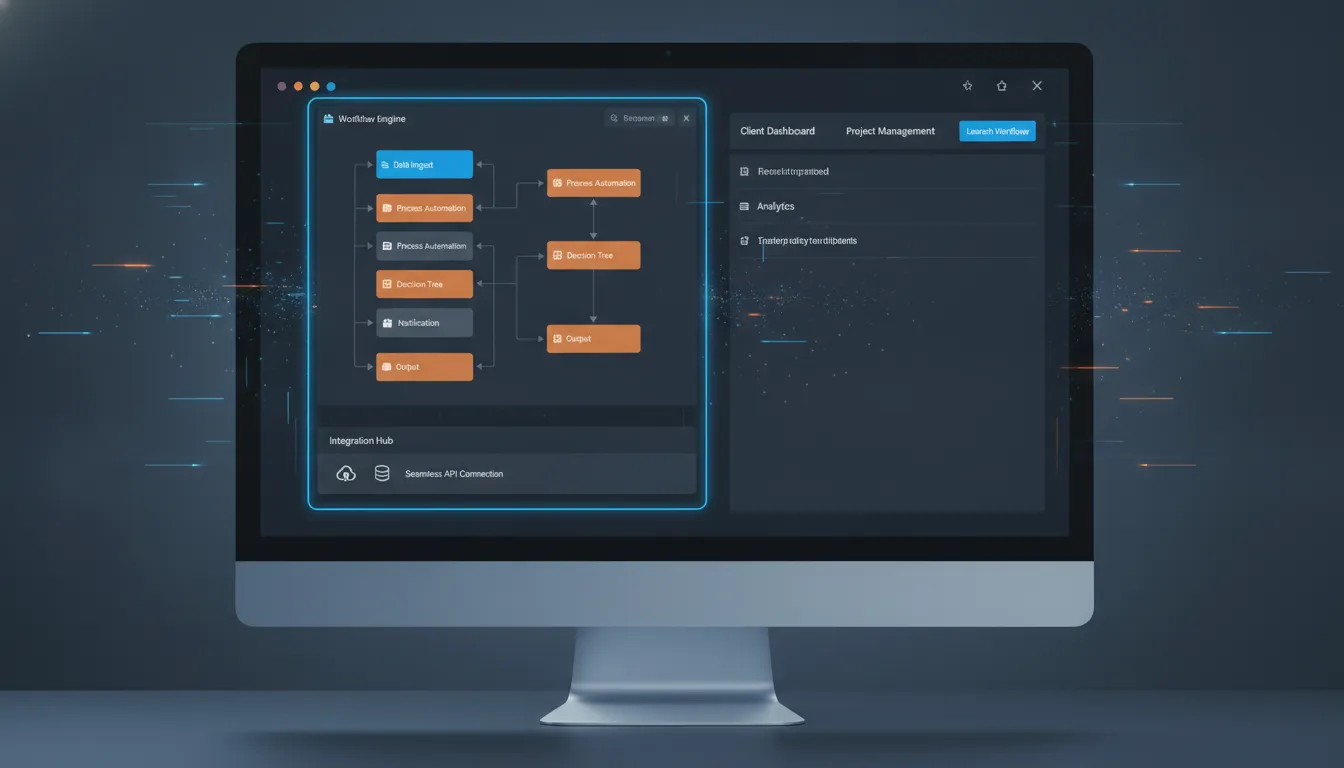
Every SaaS OEM faces the same fork in the road: build a custom workflow engine from scratch or embed a proven platform. The first path costs millions in engineering time and locks your roadmap for years. The second delivers enterprise-grade workflow automation in weeks. This guide explains why leading SaaS teams choose to embed rather than build, how a .NET-native engine integrates without a rewrite, and what to look for in a technology partner. If you are evaluating build-versus-buy decisions for your 2026 roadmap, request a demo of FlowWright to see how OEMs reduce costs by 90% while keeping their brand front and center.
Embeddable workflow technology gives SaaS OEMs a pre-built, white-label engine for adding complex business process automation to their software. Instead of spending six or more months building a custom engine from scratch, teams embed a .NET-native platform that handles multi-tenancy, visual process design, state persistence, and enterprise security out of the box. The result is 90% lower development cost, faster time to market, and a branded experience that end users never identify as third party.
What Is Embeddable Workflow Technology for SaaS OEMs?
Embeddable workflow technology refers to a pre-built automation engine that software companies integrate directly into their own products. Unlike standalone BPM suites that require users to switch contexts, an embeddable engine runs inside the host application under the host's brand. Users design processes, set business rules, and track work items without ever leaving the software they already use. For SaaS OEMs, this architecture is the difference between shipping a platform that adapts to customer processes and shipping a tool that forces customers to adapt to it.
A .NET-native embeddable engine shares the same runtime as the host application. This eliminates the serialization and marshaling overhead that cross-platform integrations require. The result is lower latency on state transitions and a simpler deployment model where the engine runs as part of the existing application pool rather than as a separate service that must be deployed, scaled, and monitored independently.
For a SaaS OEM, embedding means the product gains workflow capabilities that would otherwise take a dedicated team six to twelve months to build. The engine handles state persistence across long-running processes that may span days or months, multi-tenant isolation so each customer sees only their data and workflows, and a visual designer that lets non-technical users create and modify processes without submitting a ticket to engineering. These capabilities directly support enterprise sales cycles where procurement teams increasingly score automation readiness as a must-have, not a nice-to-have. Embeddable OEM workflow automation lets you check that enterprise requirement box on day one rather than promising it on a future roadmap.
Why Building a Workflow Engine In-House Hurts Your Roadmap
The temptation to build in-house is understandable: full control, no vendor dependency, and the belief that your requirements are unique. In practice, the engineering scope of a production-grade workflow engine diverges sharply from the initial estimate. What starts as a few state-machine classes becomes a multi-year project spanning persistence, distributed locking, a visual designer, a rules engine, event-driven triggers, tenant isolation, audit logging, and a debugger. Each of these subsystems is itself a significant engineering effort.
Consider the costs. A dedicated team of three senior engineers costs approximately $600,000 annually in salary alone. If that team spends twelve months building an engine, the direct cost exceeds half a million dollars before accounting for the opportunity cost of delayed product features. Your competitors who chose to embed are shipping workflow capabilities in the same quarter while your team is still debating state storage strategies. By contrast, embedding a proven platform like FlowWright's .NET engine delivers comparable capability at roughly 10% of that cost, with the first workflow running in days rather than months.
The maintenance burden compounds over time. Every new .NET runtime version, every security advisory, every scaling bottleneck becomes your problem to solve. When you embed a platform like FlowWright for OEM SaaS, the vendor handles updates, security patches, and performance optimizations. Your team focuses on your product's differentiators while the workflow engine improves on the vendor's roadmap.
| Factor | Build In-House | Embed a Platform |
|---|---|---|
| Time to first workflow | 6-12 months | 2-4 weeks |
| Engineering cost (year one) | $500,000-$750,000 | $50,000-$100,000 |
| Ongoing maintenance burden | Full-time team required | Vendor handles updates and patches |
| Visual process designer | Build from scratch | Included, white-label ready with drag-and-drop |
| Multi-tenant isolation | Custom implementation per tenant model | Built-in, tenant-scoped data and process isolation |
| Enterprise compliance | Self-certify each feature (SOC 2, HIPAA) | Pre-certified platform inherited by OEM |
Focus engineering resources on core differentiation
Your engineering team's highest leverage work is the code that differentiates your product in the market. A workflow engine is infrastructure, not differentiation. Every hour spent designing a state persistence layer or debugging a distributed lock manager is an hour not spent on the features that win renewals and close deals. Embedding shifts that infrastructure burden to a team whose core competency is exactly that, freeing your developers to build on top of the engine rather than inside it.
How Does a .NET-Native Engine Integrate With Your Existing Stack?
Integration depth is the deciding factor for most OEM technical evaluations. A .NET-native engine integrates at the assembly level rather than through HTTP calls. Workflow steps can invoke your existing business logic directly without network serialization overhead. The engine runs in-process with the host application, sharing the same dependency injection container, logging pipeline, and configuration system. This architecture means there is no separate service to deploy, no new attack surface to secure, and no additional latency budget consumed by inter-process communication.
FlowWright's engine provides more than 300 pre-built workflow steps for common operations: database queries against any ADO.NET provider, HTTP requests with full header and body control, file system operations, email dispatch through SMTP or Exchange, XML and JSON transformations, and conditional branching with support for complex Boolean expressions. Teams extend these with custom steps that call their own services by implementing a single interface, enabling workflows that bridge user-facing features with backend systems. Learn how to embed workflow into your application using the assembly-level integration model.
The visual process debugger lets developers step through workflow execution in real time, inspect variable state at each node, and diagnose failures without log spelunking. When a step throws an exception, the debugger highlights the failing node, shows the input and output data at that point, and allows the developer to resume execution after correcting the issue. This debugging experience is identical to debugging application code in Visual Studio, which reduces the learning curve for teams already working in the .NET ecosystem.
The rules engine supports complex conditional logic, data transformations, and scheduled triggers. Business analysts can modify rules through the visual designer without involving engineering, which reduces the backlog of small automation requests that otherwise consume developer cycles. Together, these capabilities mean the integration surface between the engine and your application is measured in days, not quarters.
White-Label and Multi-Tenancy: Two Pillars of OEM Success
Two architectural requirements separate a hobby project from a production OEM deployment: white-label branding and multi-tenant isolation. White-label capability ensures that every screen, email notification, and form the end user touches carries your brand, not the engine vendor's. Multi-tenancy ensures that each of your customers sees only their workflows, data, and user base while sharing the same infrastructure. Without both, the deployment fails either the brand unity test or the enterprise compliance test.
FlowWright's white-label system replaces the engine's default UI chrome with your application's styles at render time. The visual process designer, forms builder, dashboard, and reporting interface all inherit your brand's color palette, typography, and logo. End users never encounter a third-party interface, which preserves the perception of a unified product and simplifies enterprise procurement where white-label capability is often a contractual requirement. Explore FlowWright's features for OEMs including the full white-label customization capabilities.
On the multi-tenancy side, tenant isolation operates at the data and process level simultaneously. Each tenant's workflow definitions, running instances, user roles, and audit logs are scoped to their tenant context within a shared database schema, using tenant ID columns on every relevant table. The query engine appends tenant filters automatically, so your code does not need to manage tenant context explicitly. This means you onboard new customers without provisioning separate infrastructure, while still meeting isolation requirements for SOC 2 and HIPAA compliance. The platform handles tenant-aware routing, resource allocation, and data separation automatically.
Real-World Applications of Embedded Workflow Automation
Use cases for embedded workflow span every SaaS vertical because the underlying pattern is universal: a user needs to define a sequence of steps, route work to the right person or system, enforce business rules, and track completion until the process terminates. Three categories appear most frequently in OEM deployments and demonstrate the breadth of what embeddable workflow technology makes possible in a white-label context.
User provisioning and identity lifecycle automation
SaaS platforms that serve enterprise customers must automate account creation, role assignment, and deprovisioning at scale. An embedded workflow engine handles the multi-step process: receiving a webhook from the customer's identity provider, creating the account in the application database, assigning default roles based on group membership, sending a welcome email with credentials, and logging every action to the audit trail. When the customer deprovisions a user through their SCIM integration, the reverse workflow removes access across all integrated systems, deactivates the account, and notifies the account owner.
Document-centric approval workflows
Many SaaS products manage documents, contracts, or submissions that require human review before they become actionable. An embedded workflow routes each item through the appropriate approval chain based on dollar value, department, or content type. If a reviewer does not act within a configured escalation window, the engine routes the item to the next level automatically. Every decision, comment, and timestamp is recorded for compliance reporting. The visual designer lets the customer configure their own approval rules without submitting a support ticket, which scales your support organization alongside your customer base.
Customer-configured process automation
The highest-value use case is exposing workflow design directly to your end users through the white-label visual designer. Customers build their own automations: invoice processing sequences that route through accounting, employee onboarding checklists that assign tasks across HR and IT, incident response playbooks that page the right team based on severity. This transforms your SaaS product from a tool into a platform that adapts to each customer's unique processes, increasing switching costs and driving retention. When a customer has invested in configuring their workflows inside your product, they are far less likely to migrate to a competitor.
Frequently Asked Questions
What is embeddable workflow technology?
Embeddable workflow technology is a pre-built automation engine designed to integrate into a host software application under the host's brand. Unlike standalone workflow or BPM suites, an embeddable engine runs inside the OEM's product and appears as a native feature. It handles process design, execution, state persistence, and audit logging while the host application provides the user interface context.
How much cheaper is embedding compared to building from scratch?
Industry benchmarks indicate that embedding a workflow engine costs roughly 90% less than building a comparable engine in-house. The savings come from eliminating the initial design and development cycle that consumes six to twelve months of senior engineering time, avoiding the ongoing maintenance burden, and inheriting enterprise compliance certifications that are already built into the platform rather than built from the ground up.
Can I brand the workflow engine as my own?
Yes. White-label engines like FlowWright render every interface with your brand's colors, logo, and typography. The visual process designer, forms builder, dashboard, notification emails, and reporting screens all carry your brand identity. End users never see the engine vendor's name or interface, which preserves product unity and helps meet enterprise procurement requirements for white-label solutions.
Does embedding a workflow engine slow down my application?
No. A .NET-native engine integrates at the assembly level and runs in-process with the host application. There is no network hop or serialization penalty for workflow steps that invoke your business logic. The engine's distributed processing architecture spreads work across available threads, and for long-running processes the engine persists state asynchronously so the user-facing request completes immediately.
What compliance certifications do embeddable engines provide?
Enterprise-grade embeddable platforms like FlowWright carry SOC 2 Type II certification and support HIPAA-compliant deployments. The tenant isolation architecture ensures each customer's data remains scoped to their context, which simplifies your own compliance audits. You inherit these certifications rather than certifying the workflow portion of your application independently.
Ready to Embed Workflow Automation Into Your SaaS Platform
SaaS OEMs that delay adding workflow automation forfeit enterprise deals to competitors who already ship with embedded process capabilities. Building in-house burns engineering budget on undifferentiated infrastructure while your product roadmap stalls. Every quarter of delay is a quarter of market share conceded to rivals who made the embed decision earlier and now have working automation that closes larger deals.
FlowWright's embeddable .NET workflow engine delivers enterprise-grade automation out of the box with full white-label branding, multi-tenant isolation, SOC 2 compliance, and more than 300 pre-built workflow steps. Teams typically have their first workflow running within two weeks. Get a demo of FlowWright to see how the engine integrates with your application stack and accelerates your OEM roadmap.
















